By Rami F., Community Manager, B2S · Updated on 20 October 2026 · Reading time: 7 mins
💡 TL;DR : ArtCraft comprises 13 free, open-source creative applications (PhotoCraft, FilmCraft, VectorCraft, etc.) built in Rust, which aim to replace tools such as Photoshop, Premiere and Figma. The name 'ArtCraft' also refers to a second product, this one a paid service: an AI-powered image and video generation platform, available on a subscription basis. The Craft Apps are still at various stages of development (from early alpha to in development): they should be tested before any significant client use.
Transparency: Be To Solutions is not affiliated with ArtCraft. This article is not sponsored.
For designers, video editors and digital creators, professional software often represents a significant expense. This is one of the reasons why free and open-source tools continue to attract attention.
ArtCraft is one of the projects well worth exploring. Its collection comprises 13 apps designed for a range of creative and productive tasks, from image editing to video editing and spreadsheets.
But what does it actually offer, and is it suitable for professional use?
What is ArtCraft?
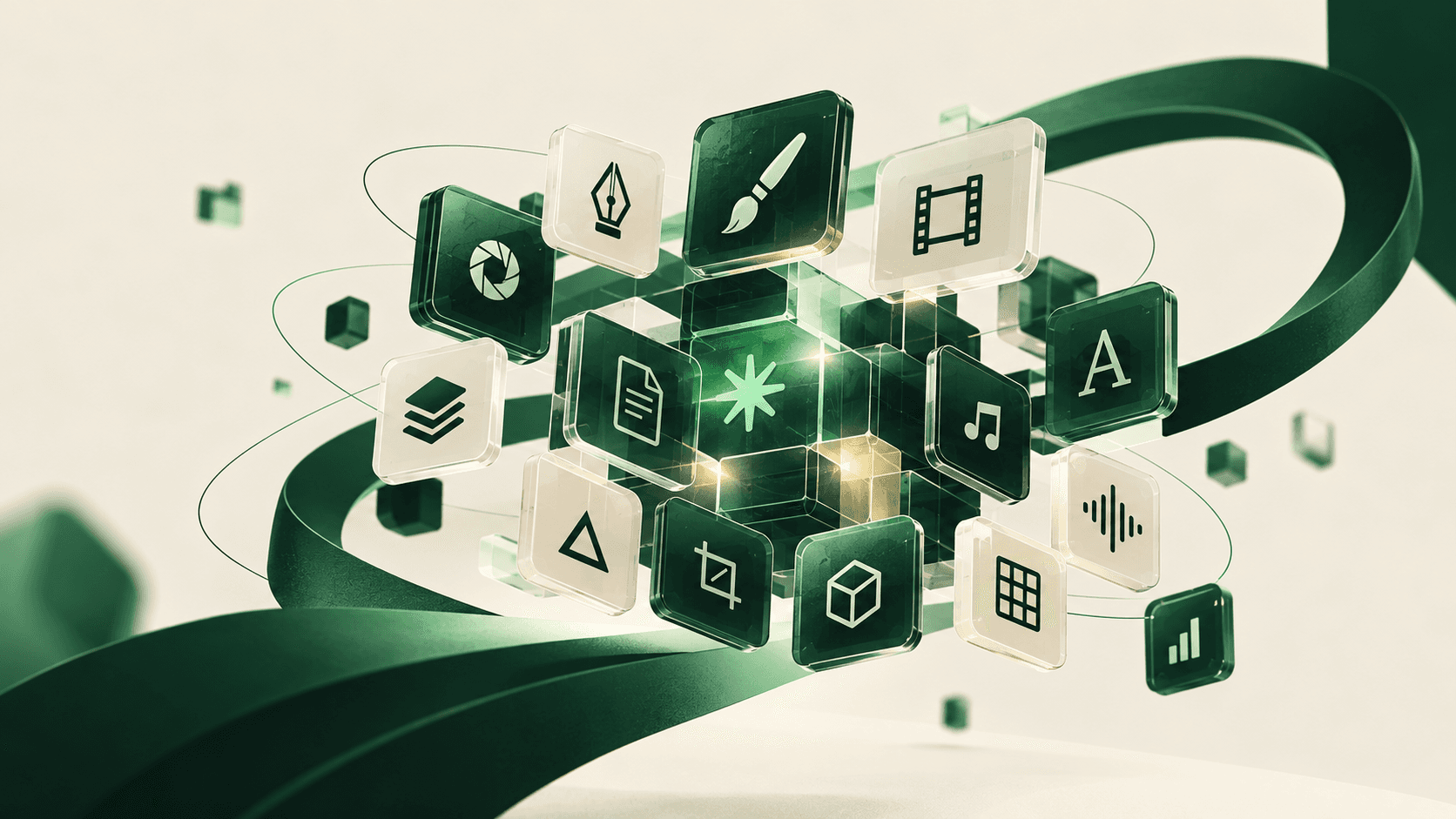
ArtCraft is a collection of free, open-source applications — the 'Craft Apps' — built from scratch in Rust. Rather than focusing on a single task, the project covers several areas of digital work: image editing, video, illustration, layout, interface design, audio, presentations, spreadsheets and more.
The project is being developed by Storyteller.ai, whose code is hosted by GitHub. The aim is to provide workflows that professionals are familiar with, whilst enabling everyone to explore the code and contribute to its development.
Craft Apps vs ArtCraft AI: two products that should not be confused
This is the key point to bear in mind above all else: 'ArtCraft' refers to two separate offerings.
The 13 Craft Apps (PhotoCraft, FilmCraft, etc.) are free, open-source and can be installed locally on your computer.
ArtCraft AI, the platform for generating images and videos using artificial intelligence, operates on a paid subscription basis (from around $8 per month, using a credit system).
A reader who visits getartcraft.com thinking 'everything is free' may be surprised to come across a pricing page. The two products share the same brand, but not the same business model.
Apps you should know about
Here are a few examples from the official range:
PhotoCraft : image editing, using layers, masks and adjustments
VectorCraft : vector illustration and shape-based design
FilmCraft : video editing using a timeline-based workflow
EffectCraft : motion design and visual effects
PdfCraft : working with PDF documents
WordCraft, DeckCraft and GridCraft : word processing, presentations and spreadsheets
The collection also includes LightCraft (photography), DesignCraft (layout), FigCraft (interface design), SoundCraft (audio production) and CADCraft (computer-aided design) — 13 applications in total, listed on the Craft Apps' official page.
Application | Category | Paid equivalent | Maturity |
|---|---|---|---|
PhotoCraft | Photo editing | Photoshop | Early Alpha |
FigCraft | Interface design | Figma | Early Alpha |
PdfCraft | Acrobat | Early Alpha | |
VectorCraft | Vector illustration | Illustrator | Under development |
FilmCraft | Video editing | Premiere Pro | Under development |
EffectCraft | Motion design / VFX | After Effects | Under development |
DesignCraft | Layout | InDesign | Under development |
WordCraft | Word processing | Word | Under development |
SoundCraft | Audio | Listening / Ableton | Under development |
DeckCraft | Presentations | PowerPoint / Keynote | Under development |
CADCraft | CAO | AutoCAD | Under development |
GridCraft | Spreadsheets | Excel | Under development |
LightCraft | Photo library / RAW | Lightroom | Under development |
What sets Craft Apps apart
Apart from the fact that it is free of charge, there are three main technical options:
Native, not embedded. The applications are Rust binaries compiled for macOS, Windows and Linux — no Electron, no web view that wraps a browser.
Local first. Everything runs on your computer and uses your own files, without any back-and-forth with the cloud.
Ready for AI agents. Each application can be controlled via a CLI, a JSON control channel or an MCP server — a notable choice geared towards automation and AI agents, which you should test to see if it is suitable for your pipeline.
Can ArtCraft replace Adobe or other established tools?
This is the question many creative professionals are asking themselves. Some craft apps are designed to replicate workflows familiar to users of established creative software.
However, aiming for the same objectives does not guarantee equivalent performance, functionality or reliability.
The applications are at different stages of development. Several — including PhotoCraft, PdfCraft and FigCraft — are labelled 'early alpha', whilst most of the others are simply 'under development'. The code is published on GitHub under permissive open-source licences, but the exact terms may vary depending on the application — please check the repository before using it for commercial purposes.
If you're working with client files or tight deadlines, test an application thoroughly before relying on it for an important project.
Why creators should take an interest in this
Craft Apps are worth keeping an eye on for three reasons:
Cost : Craft Apps are free – no subscription is required.
Open-source : Anyone can explore the code and follow the development on GitHub.
Variety : the collection covers everything from creative work to day-to-day productivity, from PDFs to spreadsheets.
The project could become more useful as its applications develop. For the time being, it is best to view it as a collection to be explored and evaluated, rather than as a complete replacement for any professional tool.
Where we are now
At B2S, we keep a close eye on open-source alternatives to paid creative suites — they can reduce project costs, but only if their level of maturity meets the requirements of the deliverable. Before integrating a tool such as ArtCraft into a client's workflow, we recommend testing the application in question on a low-stakes task, checking its licence, and keeping a fallback tool to hand for tight deadlines.
Are you torn between an open-source tool and a paid suite for your project? Let's discuss it: 20 minutes free →
See also: Can Claude replace designers and developers?
5 AI tools to validate your start-up idea
FAQ
Is ArtCraft really free?
The 13 Craft Apps (PhotoCraft, FilmCraft, VectorCraft, etc.) are free and open-source. ArtCraft also offers a separate platform for generating images and videos using AI, which operates on a paid subscription basis — the two products share the same name but not the same business model.
What licence do Craft Apps use?
The project describes its code as being published under permissive open-source licences on GitHub. The exact terms may vary depending on the application: please check the specific repository before using it for commercial purposes.
Can a Craft App be used for a professional client project?
Some apps are still labelled 'early alpha' or 'under development', so reliability varies from app to app. Test the app in question on a low-stakes task before committing to a tight deadline.
What is the difference between Craft Apps and ArtCraft's AI?
Craft Apps are traditional creative software programmes (image editing, video, layout, etc.) built in Rust. ArtCraft's AI platform is a separate product, focused on AI-generated images and videos, sold via credits and monthly subscriptions.
Can ArtCraft replace Photoshop, Figma or Premiere?
Not yet reliable for everyday professional use: most Craft Apps are still under active development or in the early alpha stage. For the time being, they are best suited to exploration and low-stakes projects.
Sources
ArtCraft, Craft Apps' official page
ArtCraft, prices page (AI platform subscription model)
Storyteller.ai, the project's GitHub organisation